
タイムズカー
by パーク24株式会社
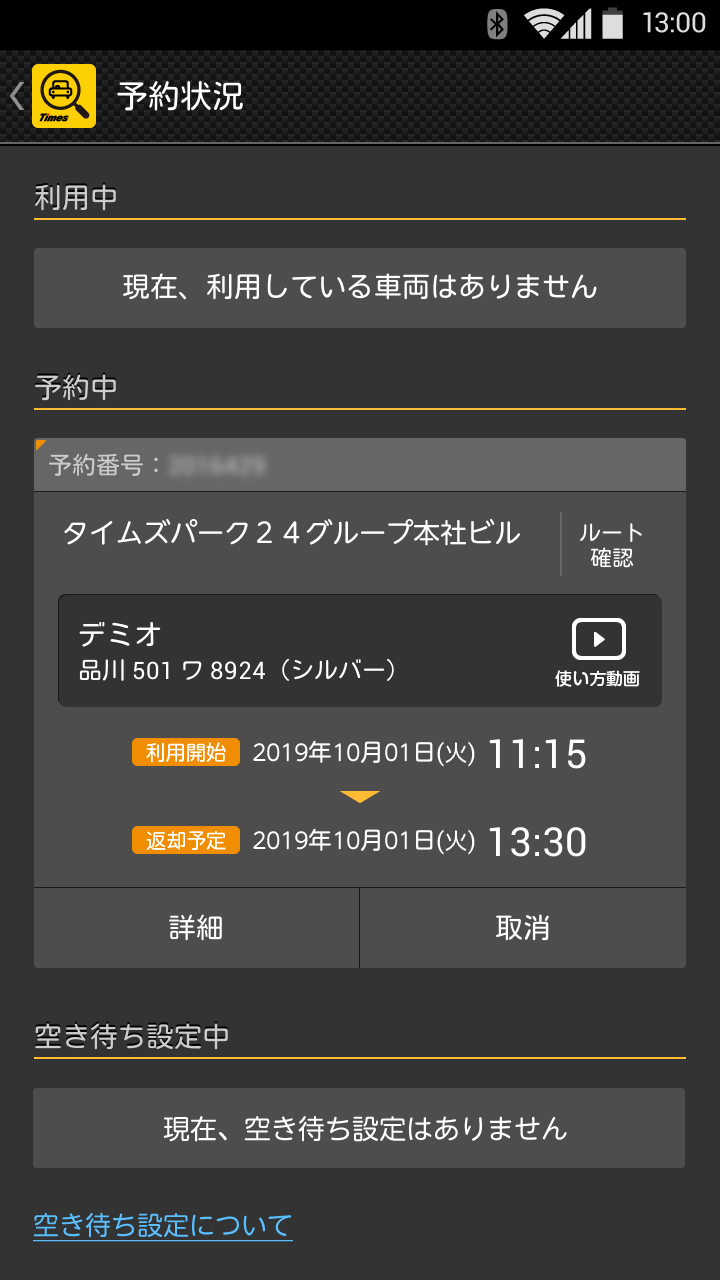
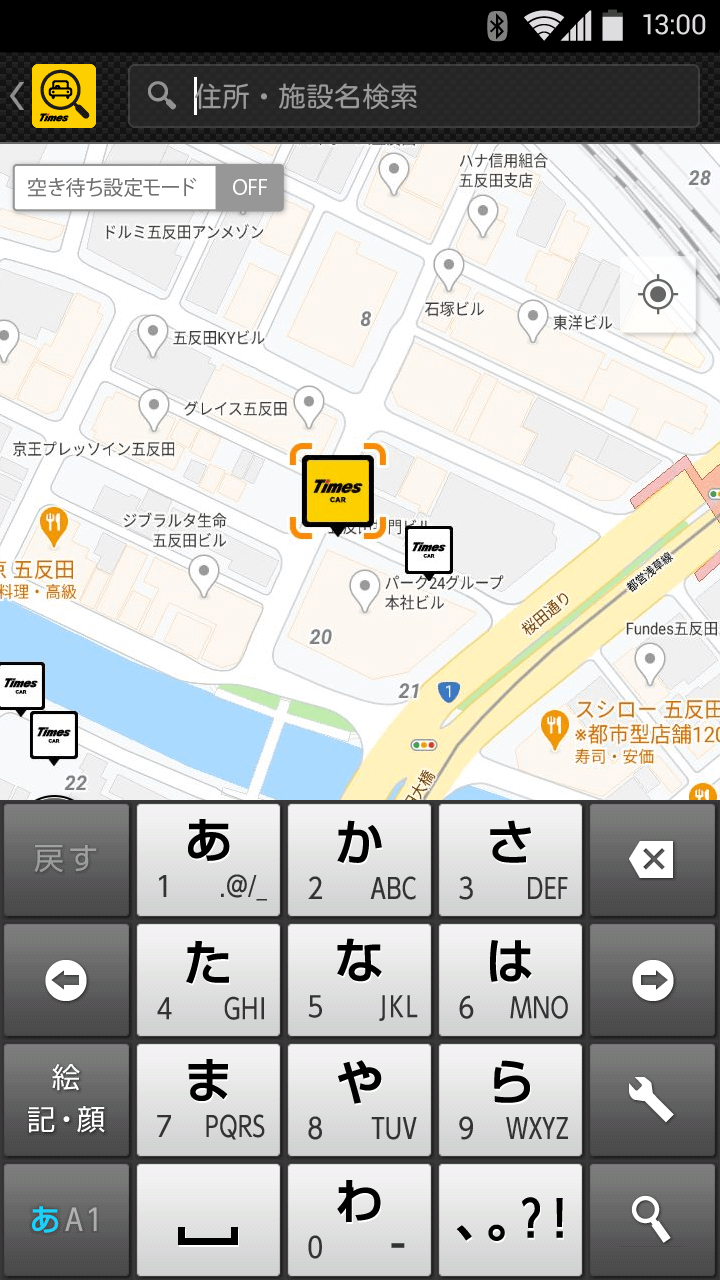
"Times Car App" allows you to quickly search and reserve Times Car Share Times Car cars just by launching the app.
タイムズカー
After notification by email, you will need to make your own reservation.■ Push notificationWhen the notification setting is turned on, information such as new services, campaigns, car sharing e-tickets, etc.
It will be announced.* Some notifications cannot be received unless you are logged in.* Notification settings can be changed at any time from the device settings app.■ Biometric loginInstead of a password, use biometric information such as face and fingerprint registered on the smartphone terminal.You can log in.* Applies to Android 11 and above models that support biometric authentication.* Please be sure to check the registration method before using.[Precautions for use]Due to the unique functions of the device, the influence of screen size and resolution, etc., on some devicesThe app may not work properly.
Please note.■ I want to improve the accuracy of location informationIt is necessary to enable Wi-Fi (wireless network) and GPS functions.If you enable the GPS function, you can get more accurate location information.■ A map of a place other than your current location is displayedPlease press the current location icon on the map screen.Re-acquire the location information of your current location.■ The current location displayed on the map shiftsThe accuracy of the current location information (GPS / network base station) isIt depends on the reception status of radio waves from the satellite and the usage environment.Indoors or in places with tall buildings aroundIt may take time to display or an error may occur.Please think that the map will display the approximate location information.[About the authority used by the app]■ Full access to the networkUsed to acquire vehicle and station information.■ Accurate location information (GPS and network base stations)It is used to acquire the current location from GPS and Wi-Fi (wireless network) location information and display it on a map.■ StorageUsed to save Google Maps cache data, etc.■ Read Google service settingsUsed to use Google Maps.[About "Google Play Developer Services"]It is necessary when using the map in this application.Please install or enable "Google Play Developer Services".* About medium level detection by privacy scan of OfficeScan Mobile for AndroidTrend Micro OfficeScan Mobile for AndroidThis application has been detected by privacy scan,Location information is for searching for vacant vehicle information around the current location.It is used and is not used illegally.We ask Trend Micro to prevent it from being detected.Please continue to use it with confidence.* For those who display the "Communication error" dialog even though communication is possible when performing a simple map search.The terminal may not be in a normal state.It will be solved by restarting the terminal.[Handling of user information]When installing this app, please be sure to check the following app privacy policy.If it is installed, it is considered that you have agreed.App privacy policy: https://share.timescar.jp/sp_app-policy.html・軽微な修正を行いました。今後ともタイムズのカーシェア タイムズカーをよろしくお願いいたします。
Social Features
Connect and share with friends and the community.
Gaming Features
Enjoy immersive gaming experience with various game modes.
Fitness Tracking
Track your workouts and monitor your health metrics.
See タイムズカー in Action
What Our Users Say
Don't just take our word for it. Here's what our users have to say about this Android app.
"No car icons (the most basic feature). And no English. Congrats 1-star!"
"No English"
"No English"
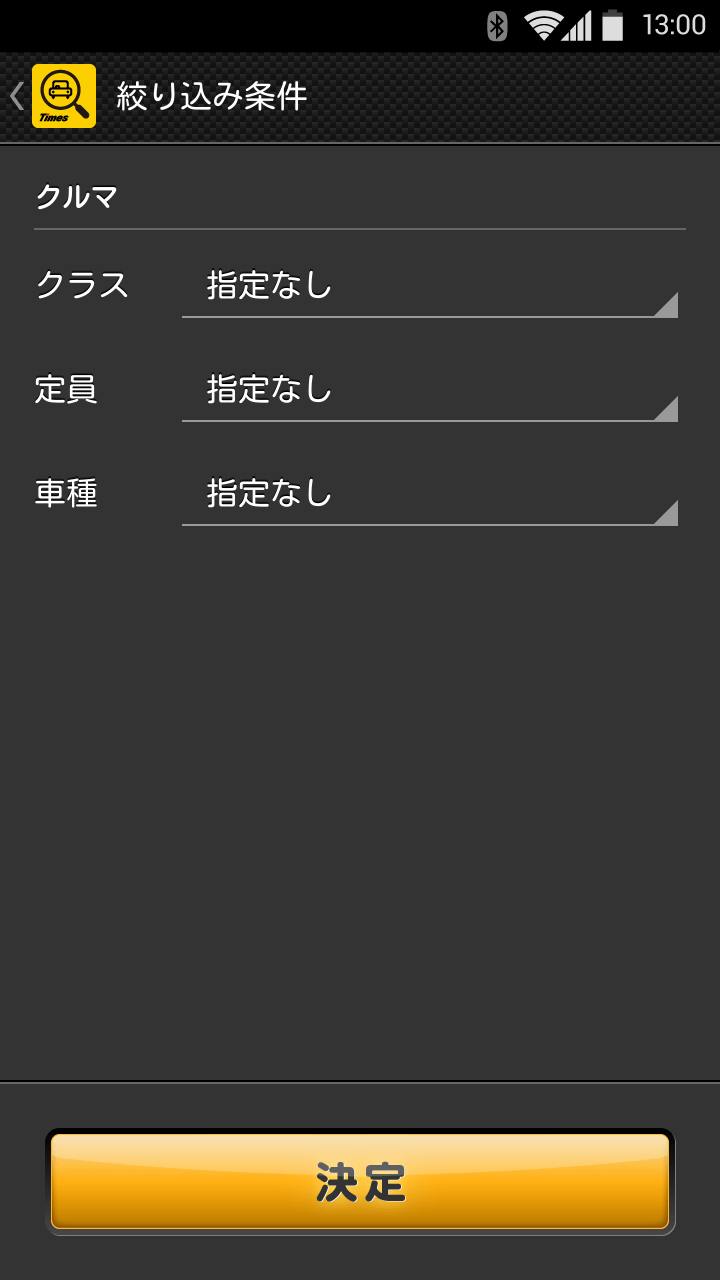
"I guess it works! But they should at least support partial English. Also should allow more filters for car search."
"I am getting the following message Google play services are updating". app is not loading the maps and hence not showing anything..."
"ログイン画面でパスワードがペーストできないので、ブラウザを使っています"
Get the App Today

Available for Android 8.0 and above
Ask AI about this app
Get instant answers about features, tips and more from popular AI assistants.